
GlowFrame
Frame your day.
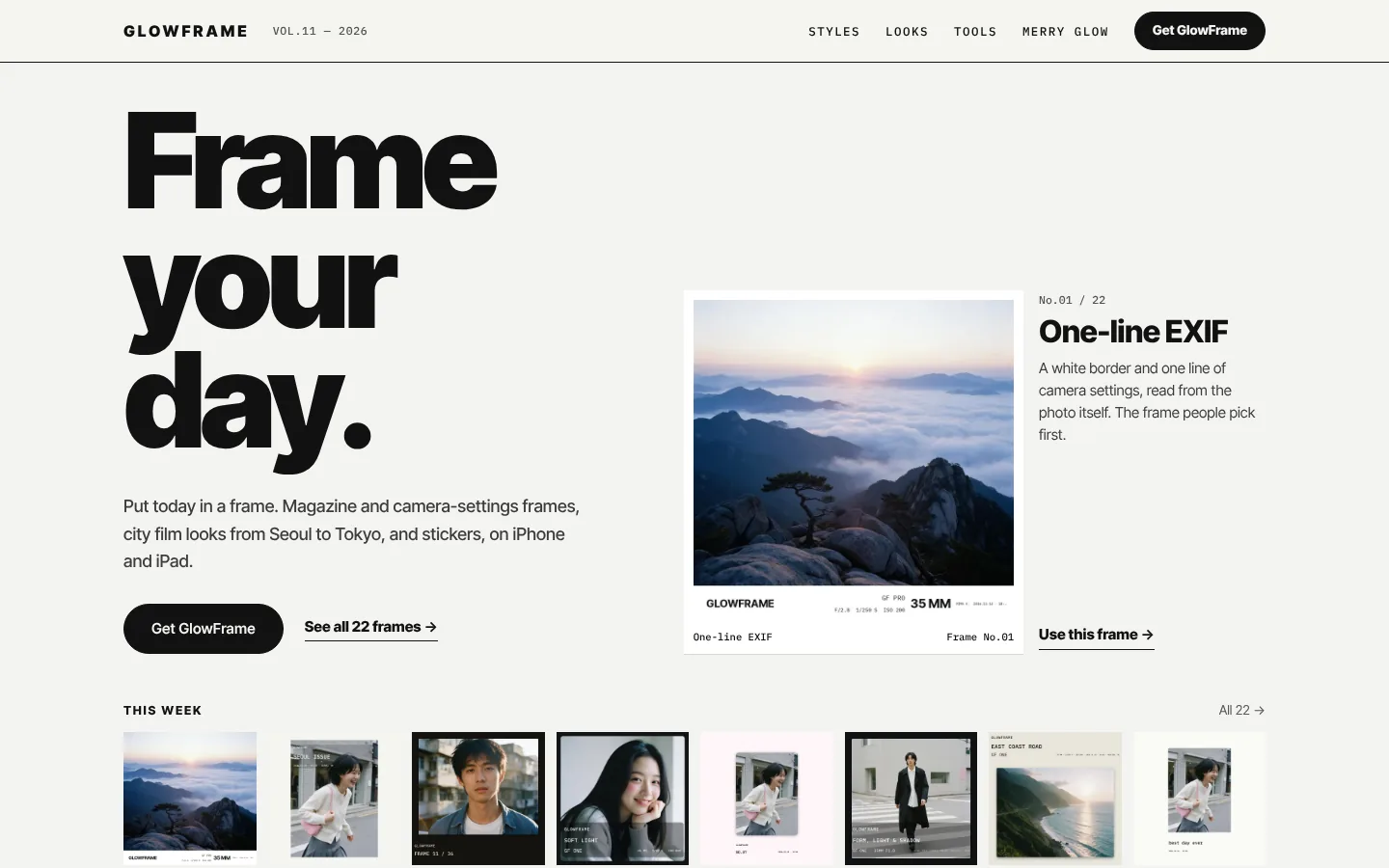
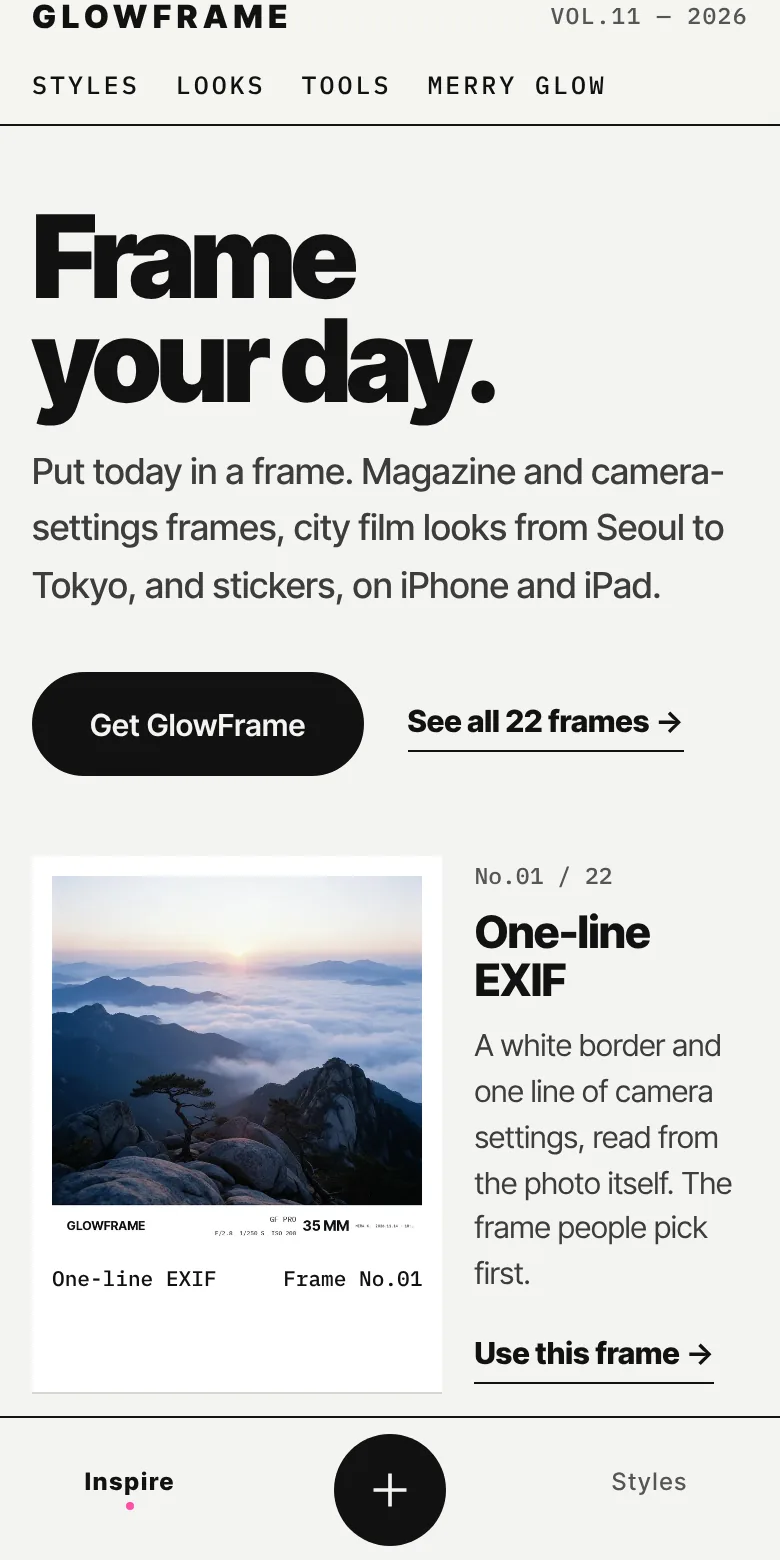
GlowFrame is a photo editor for iPhone and iPad from NGMOB: 22 magazine, film and camera-settings frames, 16 city film looks, stickers, collages and AI styles, with RAW, HDR and Live Photo support. It is in testing before its App Store release.
GlowFrame at a glance
- What it is
- A photo editor that puts photos in magazine, film, instant and camera-settings frames, with city film looks and stickers
- Platforms
- iPhone and iPad (iOS 18 or later), in testing and not yet on the App Store; an Android version is in development
- Price
- Free to download and edit. GlowFrame Pro is US$2.99 a month, US$9.99 a year with a 3-day free trial, or US$19.99 once, and opens with the App Store release
- Privacy
- No account and no ads. Edits stay on the device; only a photo you send to an AI template leaves it, as a smaller copy without location or camera details
- Made by
- NGMOB Pte. Ltd., Singapore
What GlowFrame is
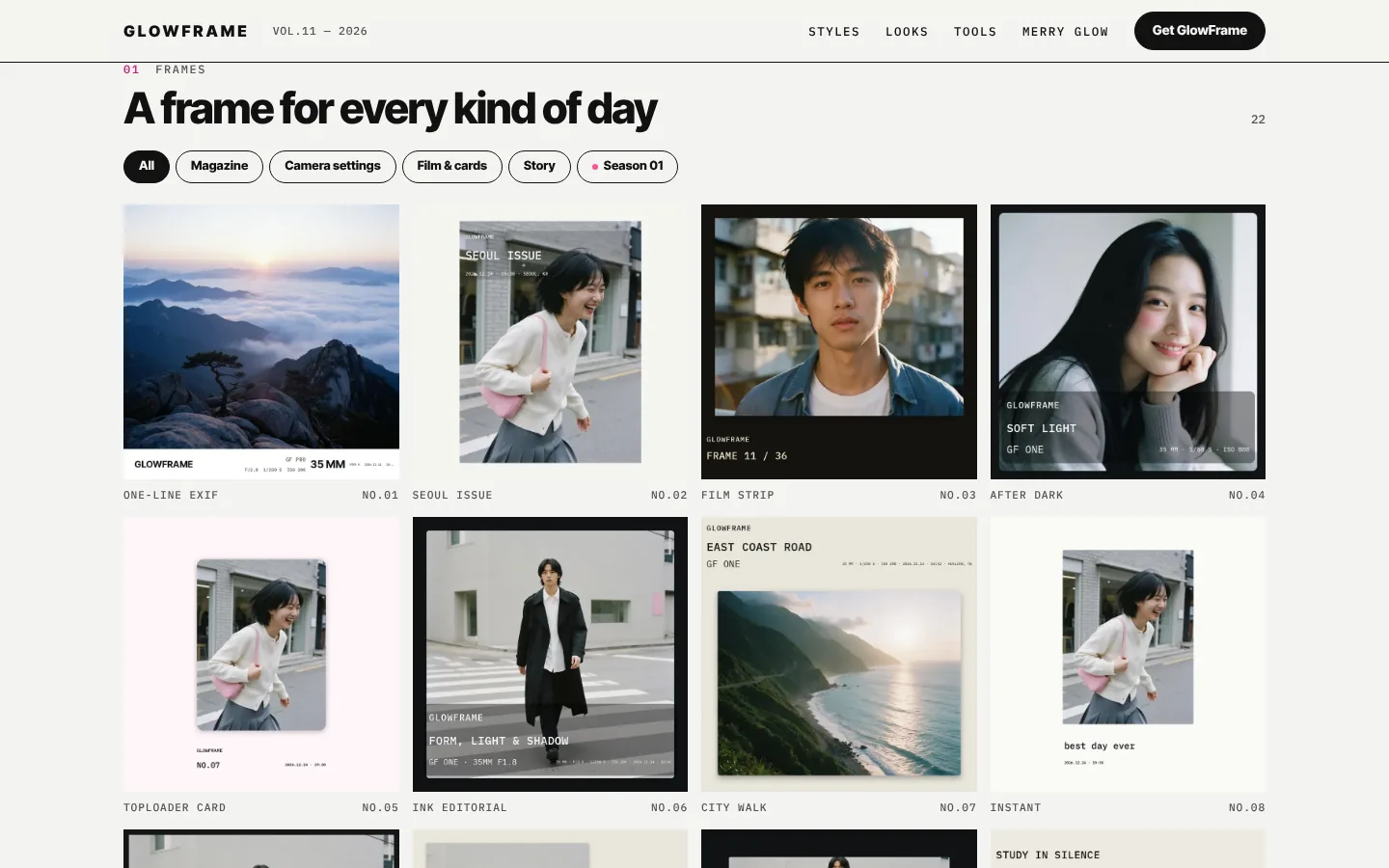
GlowFrame puts a day’s photos in a frame. Pick one of 22 frames, from a one-line EXIF caption that reads the camera settings from the photo itself to magazine covers, film strips, instant prints and story layouts, and it opens on the photo’s own shape.
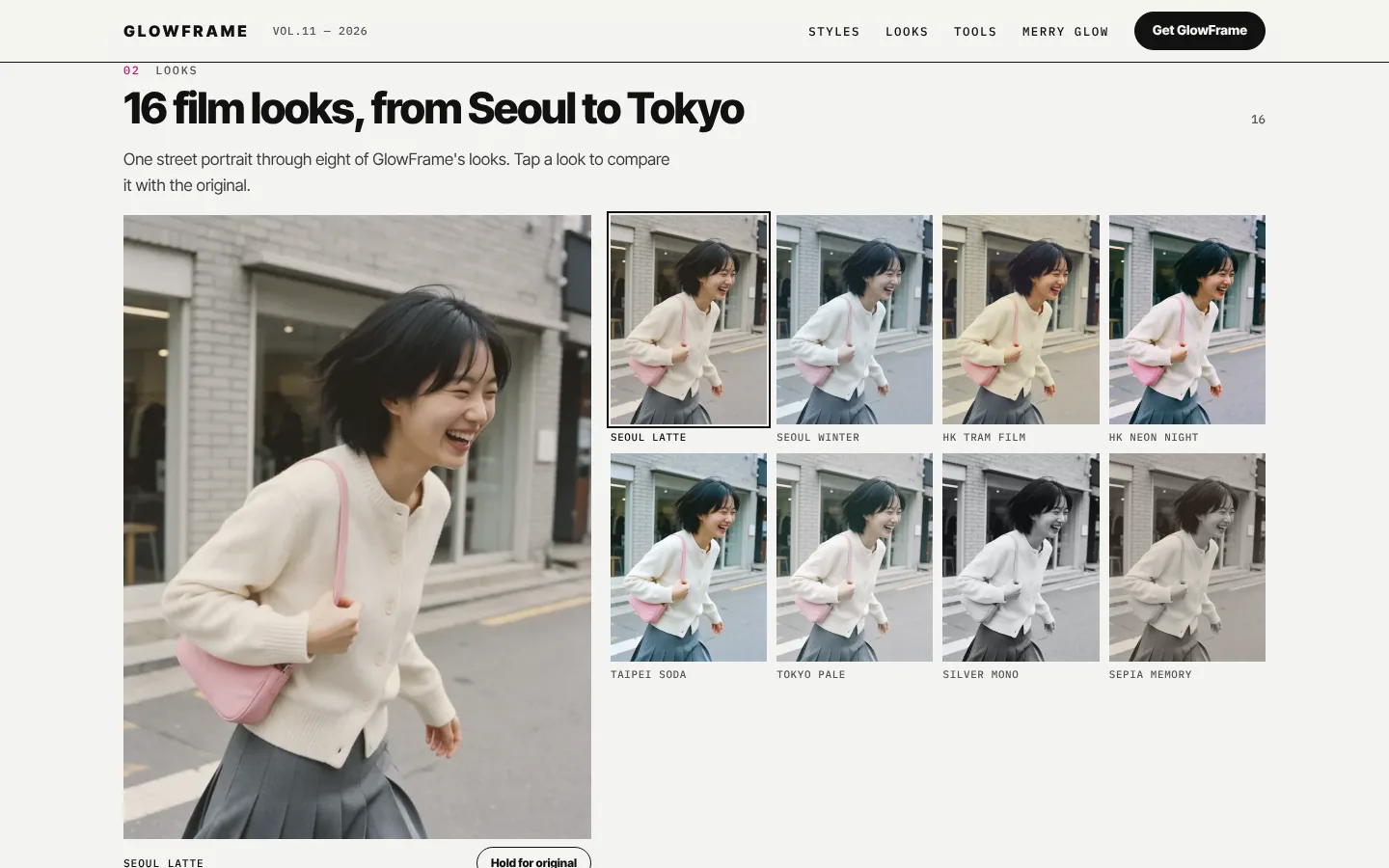
Sixteen city film looks, such as Seoul Latte, HK Tram Film and Tokyo Pale, each have a strength slider, alongside camera and cinema tones and your own .cube LUTs. City-pop stickers, brush strokes, collages, Color Walk, which lines up same-colour subjects across a set for a grid, and AI styles finish the edit, and a saved style recipe applies to up to 20 photos or RAW files at once.
RAW originals are never changed, Live Photos keep their motion, and GPS and camera serial numbers are removed from exports unless you keep them. GlowFrame is in testing for iPhone and iPad; its first season, Merry Glow, brings greeting-card frames, snowy instant prints and a Christmas skin from 1 December, and an Android version is in development.
- frames
- 22frames
- city film looks
- 16city film looks
- photos per batch edit
- 20photos per batch edit
- free trial on yearly Pro
- 3 daysfree trial on yearly Pro
What you can do with GlowFrame
- 22 frames
- Magazine, film, instant, story and one-line camera-settings frames that open on the photo’s own shape.
- City film looks
- Sixteen looks from Seoul to Tokyo with a strength slider, plus camera and cinema tones and .cube LUT import.
- Stickers and brush
- City-pop stickers to move, scale and rotate, and brush strokes drawn over the photo.
- Collage and Color Walk
- Several photos on one page, or same-colour subjects lined up across a set for a grid.
- Batch of 20
- Save a look as a style recipe and apply it to up to 20 photos or RAW files at once.
- Private by default
- Edits happen on the device, and location and camera serials are stripped from exports.
GlowFrame screens
Questions about GlowFrame
What is GlowFrame?
GlowFrame is a photo editor for iPhone and iPad. You pick a frame, such as a magazine cover, a film strip or a one-line camera-settings caption, add a city film look, stickers or brush strokes, and export at full quality, one photo or up to 20 at a time.
Who makes GlowFrame?
GlowFrame is built and published by NGMOB Pte. Ltd., a software studio in Singapore.
When can I download GlowFrame, and is it free?
GlowFrame is in testing and not on the App Store yet. It will be free to download, with optional GlowFrame Pro at US$2.99 a month, US$9.99 a year with a 3-day free trial, or US$19.99 once; the App Store shows the price in your currency.
Does GlowFrame upload my photos?
No, except when you choose an AI template. Frames, looks, stickers and exports are made on your device; for an AI template, a smaller copy of that one photo, without location or camera details, is sent to make the image.
Is there an Android version?
An Android version is in development. The features described here are those of the iPhone and iPad app.
Facts last checked on 2026-11-19 against glowframe.pages.dev. Built with iPhone and iPad app, On-device editing, RAW, HDR and Live Photo, .cube LUT import, Jekyll site on Cloudflare Pages.