Doubo
Your playlists, one tap away.
A native IPTV / M3U player for iPhone, iPad and Mac. Import your own playlists, browse by group, watch in Picture in Picture or cast to the TV — no bundled channels, no data collected.
> cat ./overview.md
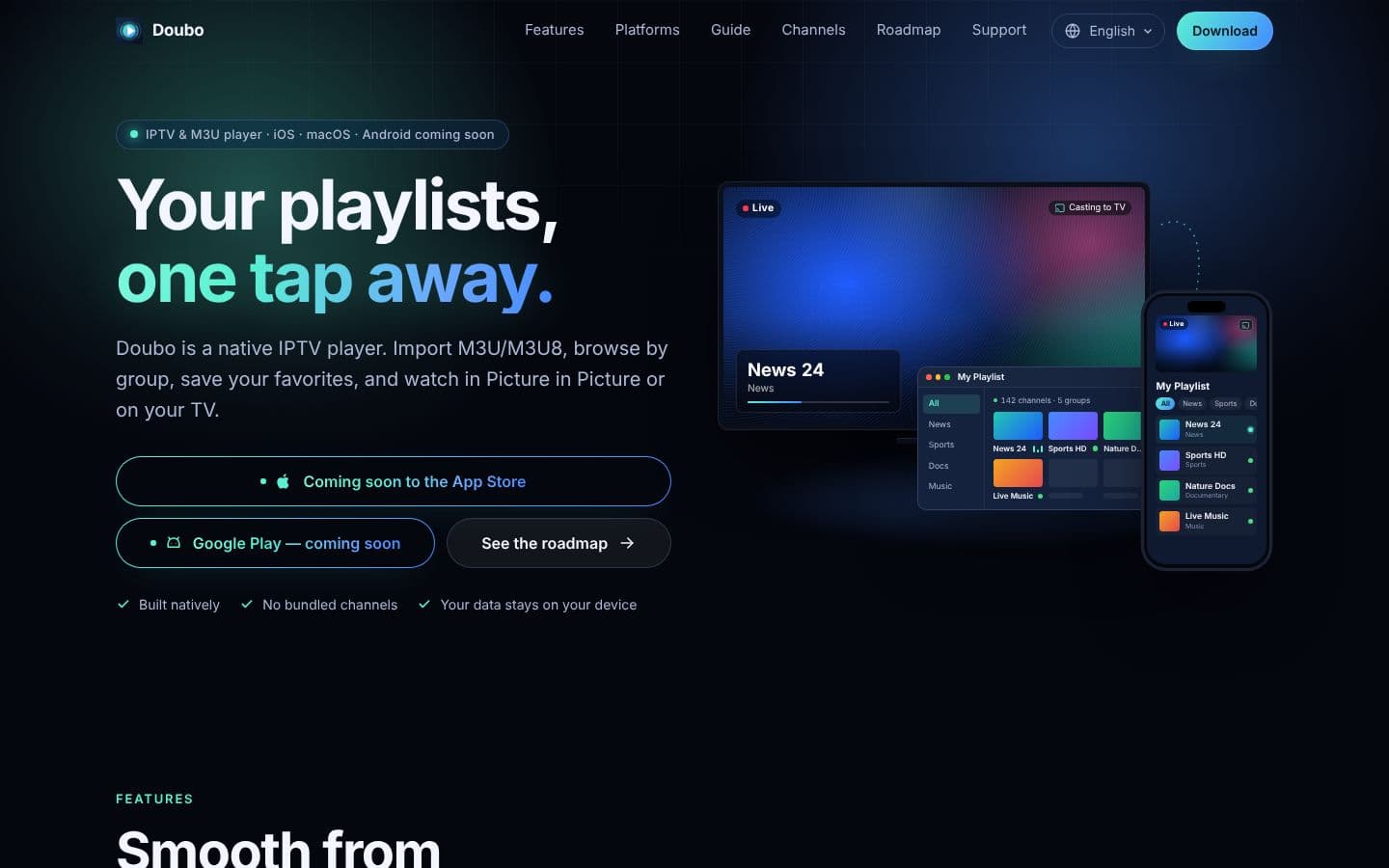
Doubo (都播) is a native IPTV player. Add an M3U/M3U8 URL or a local file and channel names, groups and logos are parsed automatically; the last 20 playlists are remembered and restored at launch.
One tap tests the whole playlist in parallel and lines up the channels that actually play. When a channel has several sources, switch lines instantly to the smoothest one. Playback is built on AVKit — Picture in Picture, subtitle tracks, playback speed and full-screen landscape — and DLNA casting sends it to a smart TV on the same network.
Doubo ships no channels and sells no content: you bring playlists you are entitled to use. Playlists, favorites and history live only on your device, with no ad or analytics SDKs in the app. iPhone, iPad and Mac are supported today; Android, Android TV and Apple TV are on the roadmap, alongside EPG and catch-up.
> ls ./features
Import Any M3U Playlist
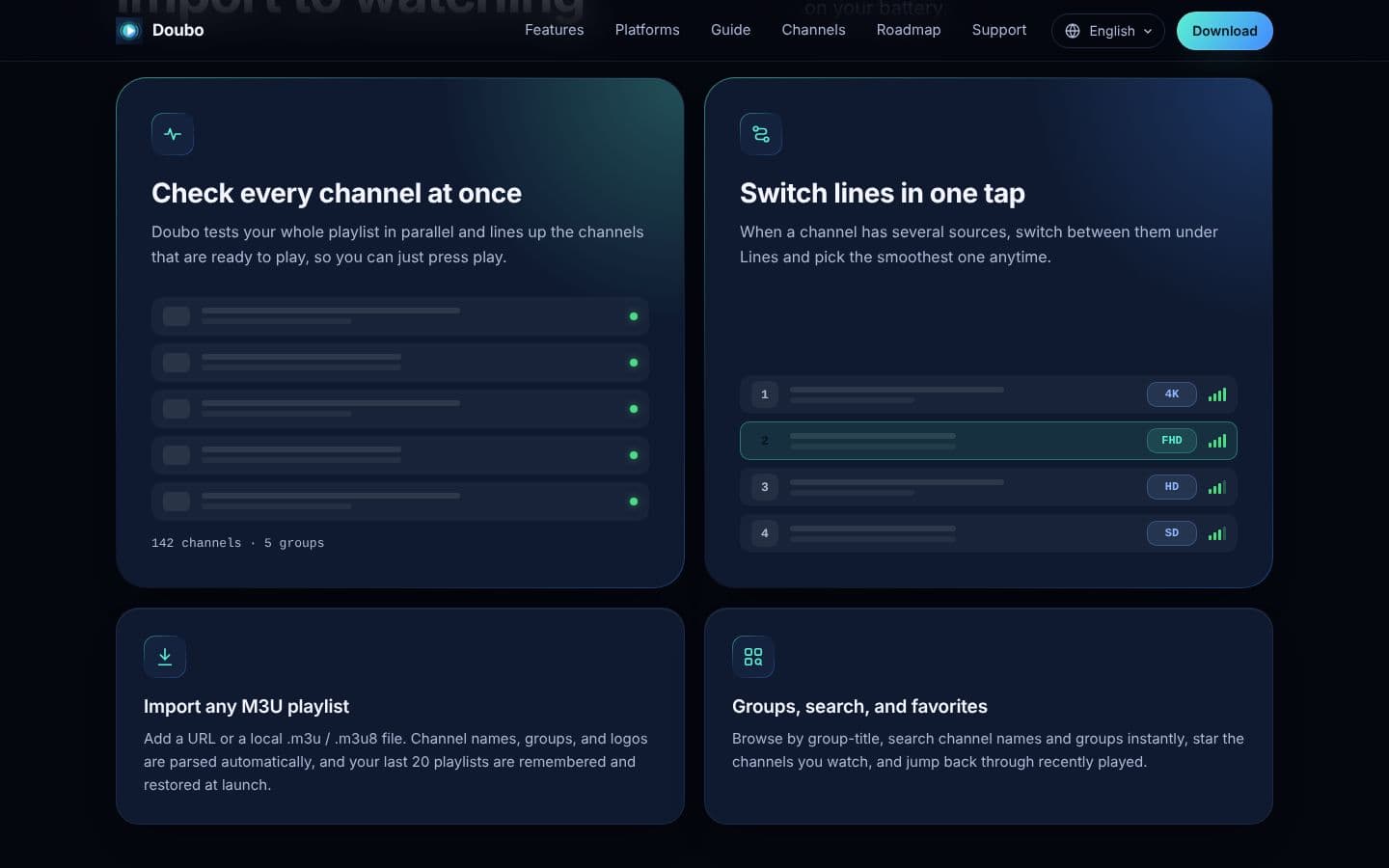
URL or local .m3u / .m3u8 — names, groups and logos parsed automatically, last 20 playlists restored.
Check Every Channel at Once
Concurrent playability testing sorts out the channels that are ready to watch.
Switch Lines in One Tap
Multiple sources for the same channel? Pick the smoothest line from 4K down to SD.
Native Playback
AVKit with Picture in Picture, subtitle tracks, speed control and a live preview of what is playing in the channel list.
Cast to the TV
DLNA casting to smart TVs on the same network, plus local video file playback.
Privacy-First
No bundled channels, no ads, no analytics SDKs — playlists and history never leave the device.
> open ./screenshots
> cat ./stack.json
{
"name": "Doubo",
"category": "Media / Streaming Player",
"stack": [
"AVKit",
"HLS",
"M3U / M3U8",
"DLNA",
"iOS 17 · macOS 14"
]
}
> grep -l "Doubo" ./blog
Doubo: A Player That Ships No Channels
Why our IPTV app is only a player, and how it checks a whole playlist at once, switches lines in one tap and keeps everything on your device.
Nine Products, One Stack: The NGMOB Lineup
Haze Day, Hanakoi, TokenLiquid and Doubo join Floniks, Kolens, GoGlow, Naga and Hollow Lullaby. Here is what each one does, and where MCP, agents and orchestration fit in.