Tapestra
A pocket band: pads, keys & FX in one engine.
A live instrument app for iPhone and iPad. One-finger auto-accompaniment in eight styles, 16 velocity pads, a 128-voice piano, a drawbar organ with rotary speaker, a step sequencer and a studio FX chain — all on one 5 ms native audio engine, fully offline.
> cat ./overview.md
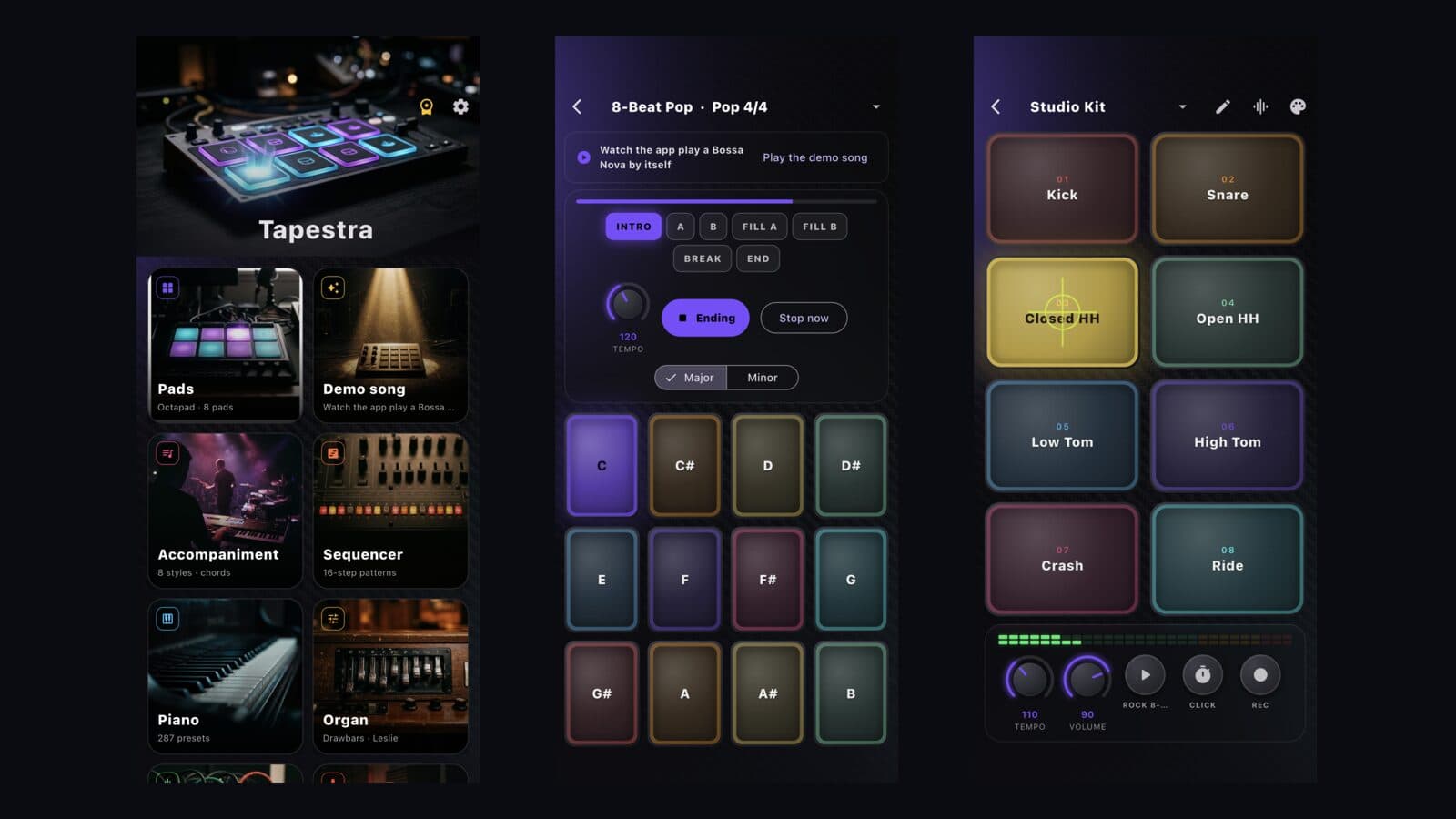
Tapestra turns a phone into a band you can play with one hand. Pick a style — pop, funk, ballad, bossa nova, swing, waltz, slow rock or disco — hold a chord and the band plays intro, main grooves, fills, break and ending, switched live like an arranger keyboard. Melody goes on top from the pads, the piano or the organ.
Every sound comes from one C++ engine shared by iOS and Android: a General MIDI SoundFont synth (128 voices, 100+ presets), a tonewheel organ with nine drawbars and a Leslie that spins up mid-phrase, a 16-step drum sequencer with swing, and a master FX chain — 5-band EQ, compressor, pitch shifter, flanger, ping-pong delay, Freeverb reverb and bass boost — with hands-on knobs.
Performances are data, not just audio. The open tapestra-score format describes a whole piece — sections, chords, notes, pad hits, effect moves and captions — in ticks, so a song can be written by hand, recorded from play, or generated by an AI and rendered by the engine. The built-in demo song is one of these scores. Mixes record to WAV on the device; nothing leaves the phone.
> ls ./features
One-Finger Accompaniment
Eight style packs with intro, A/B grooves, fills, break and ending; fills drop in on the next beat, main sections on the next bar — exactly like a stage arranger.
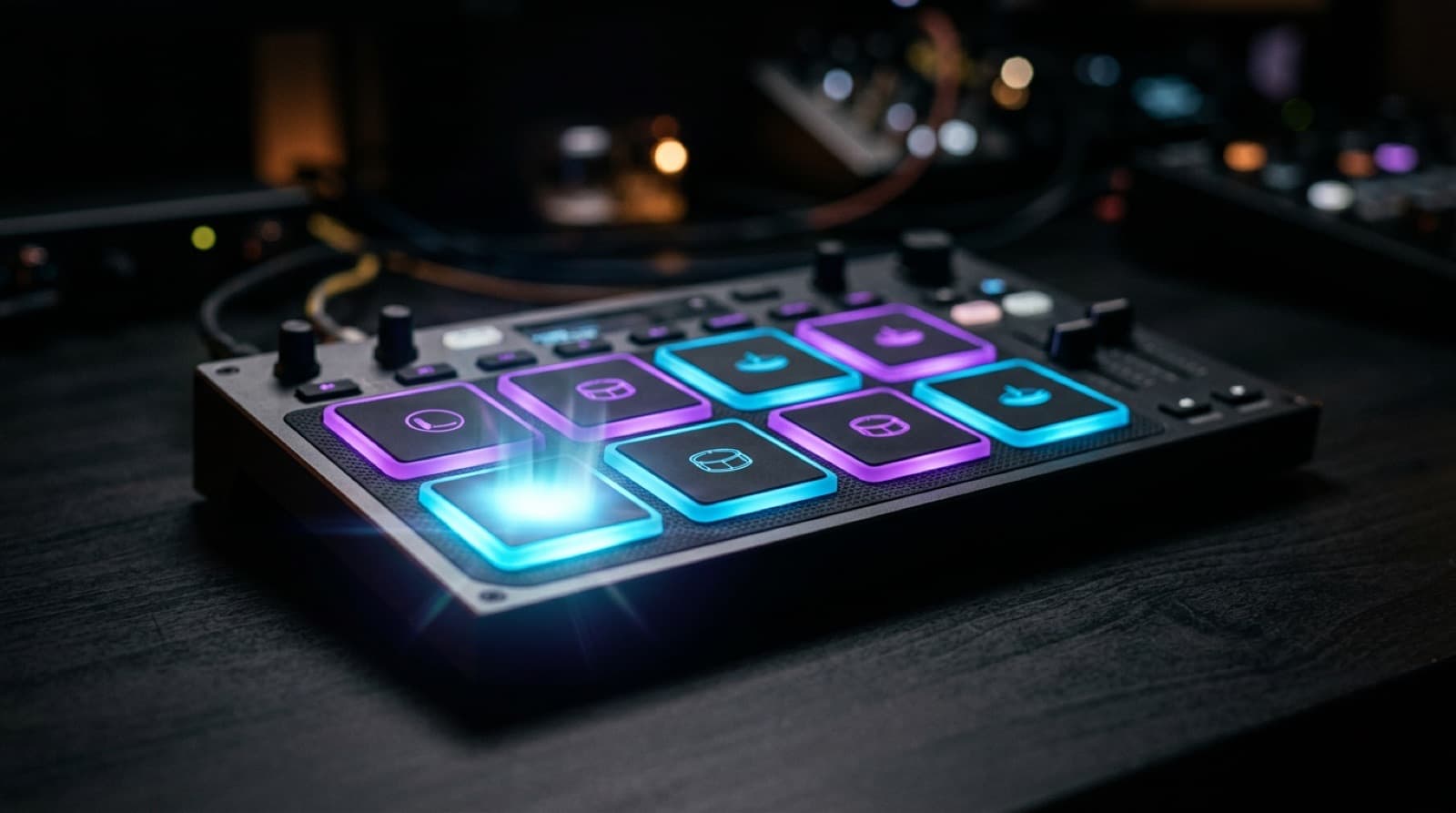
16 Velocity Pads
Acoustic, electronic and percussion kits; every pad is editable — sound, pitch, pan, choke group — and custom kits are saved on the device.
Piano & Drawbar Organ
General MIDI piano/synth with 100+ presets, and a nine-drawbar tonewheel organ with percussion, vibrato and a rotary speaker you can speed up live.
Step Sequencer
16 steps, swing, per-step velocity and pattern chaining — build the beat and play on top of it.
Studio FX Chain
EQ, compressor, pitch shift, flanger, delay, reverb and bass boost on the master bus, each with its own knobs and presets.
Scores for Humans & AI
The tapestra-score JSON format captures a complete performance; the engine plays it back — the hook for AI-composed songs.
5 ms, Offline, No Account
48 kHz / 256-frame Core Audio and AAudio paths, one shared C++ engine, no network, no sign-up, no analytics SDK.
Record & Share
Record the mix to WAV with the metronome, export it from the Files app or share it anywhere.
> open ./screenshots
> cat ./stack.json
{
"name": "Tapestra",
"category": "Music / Live Instrument",
"stack": [
"Flutter",
"C++17 engine",
"miniaudio",
"TinySoundFont",
"StoreKit 2",
"Xcode Cloud"
]
}
> cat ./support.md
- No sound? Check the silent switch and volume; Tapestra plays through the media channel, and Bluetooth headphones add their own latency.
- Recordings are saved as WAV inside the app's Documents folder — open the Files app → On My iPhone → Tapestra to copy or share them.
- Tapestra Pro: the weekly plan has a 3-day free trial; weekly and monthly plans auto-renew through your Apple ID and can be cancelled in Settings → Apple ID → Subscriptions. The lifetime unlock is a one-time purchase. Use "Restore purchases" on the paywall after reinstalling or changing devices.
- Bundled sounds: GeneralUser GS SoundFont (S. Christian Collins, free licence) rendered by TinySoundFont; full licence texts are in the app under Settings → Open-source licenses.
Still stuck? Email support@ngmob.com with your device model and iOS version. Privacy: /privacy · Terms: /terms